

A quieter web.
Built-in ad, tracker and cookie-notice filters. Turn them off globally or make an exception for an individual site.
Explore the browser →
Meet Wayfarer. Modern Chromium browsing, a personal Home Port, and a little of the curiosity that made the web wonderful.

The real Windows beta, shown with a demo profile.
MORE ROOM FOR YOU
Useful tools, thoughtful controls, and space for your own way of browsing.
Built-in ad, tracker and cookie-notice filters. Turn them off globally or make an exception for an individual site.
Explore the browser →Readable scrolling tabs, compact vertical rails, tab search and Tab Camp for parking the pages you want to revisit.
See it in action →Color Lab, page screenshots, technology detection, notes and saved Journeys are already part of your browser.
Meet your instruments →YOUR OWN HOME PORT
Add blocks, choose a background, write your own CSS and bring your favorite destinations together. This is your starting point.
Explore Home Port →
TOOLBARS, RECONSIDERED
Keep occasional tools on one shared shelf. Give up to three favorites their own row. Return them to the shelf whenever you want more space.
A better way to toolbar →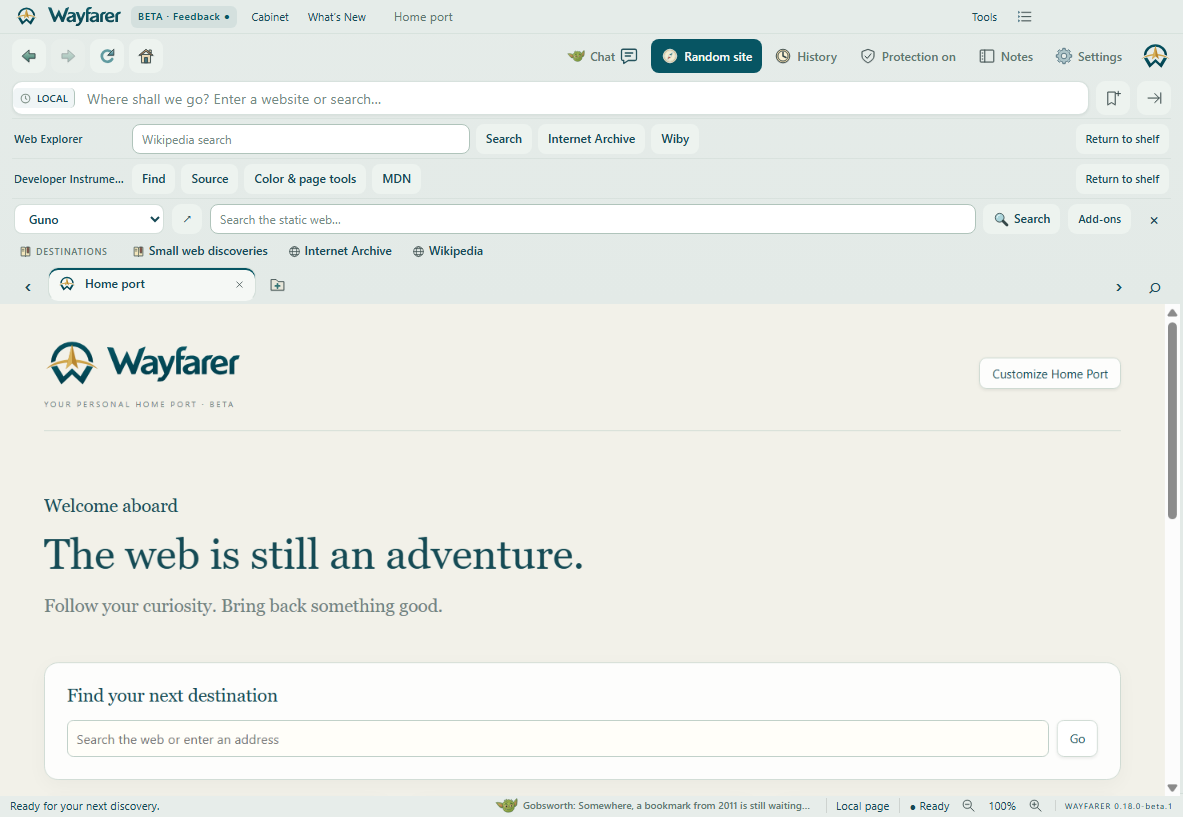
A LITTLE PERSPECTIVE
Park your tabs, set a break timer and step away. Your expedition will be here when you get back.
Meet your break button →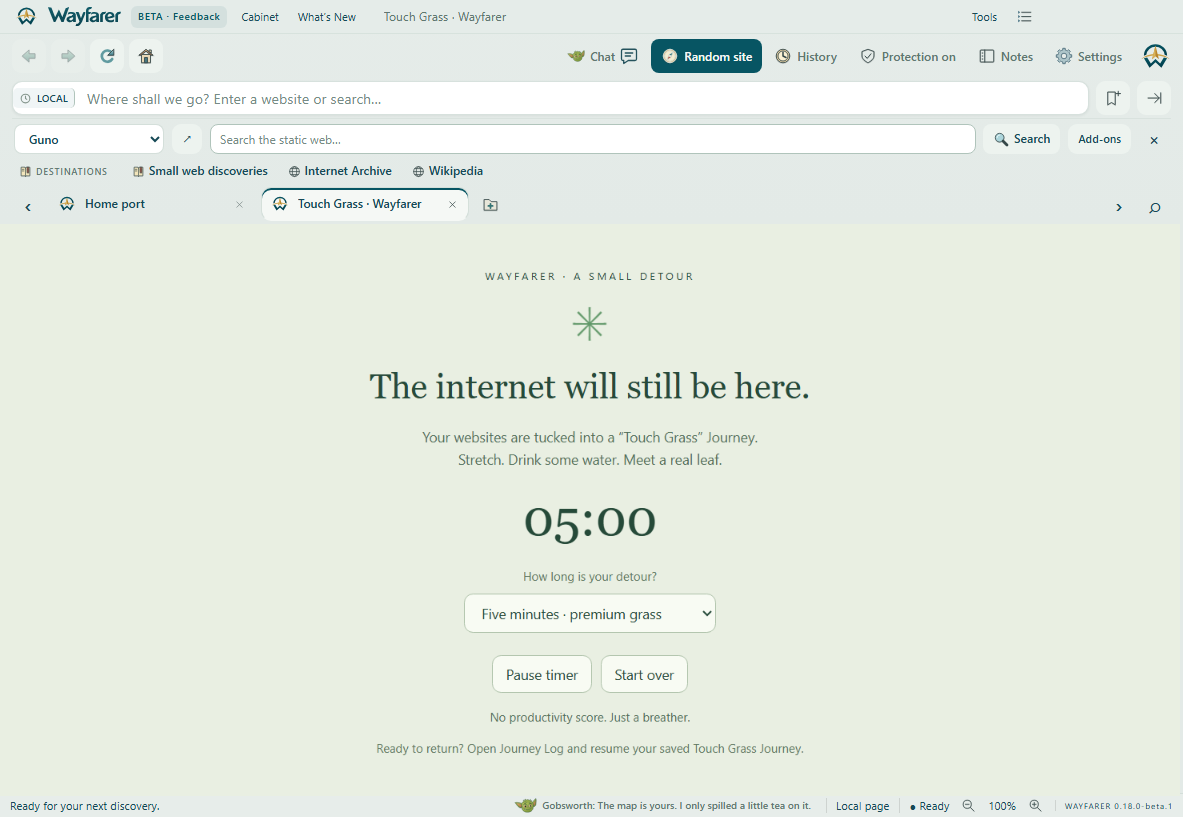
SMALL GOBLIN. BIG OPINIONS.
Gobsworth finds settings, offers writing hints and has questionable opinions about your tabs. His current assistant uses local rules and hardcoded responses, with no AI model.
“I have reviewed your workflow. It is mostly side quests.”Get to know Gobsworth →

STAY LOCAL. OR BRING YOUR MAP.
Browse without an account. Optional email-code accounts sync your desktop destinations, settings, custom skins and Home Port. Android sync is still planned.
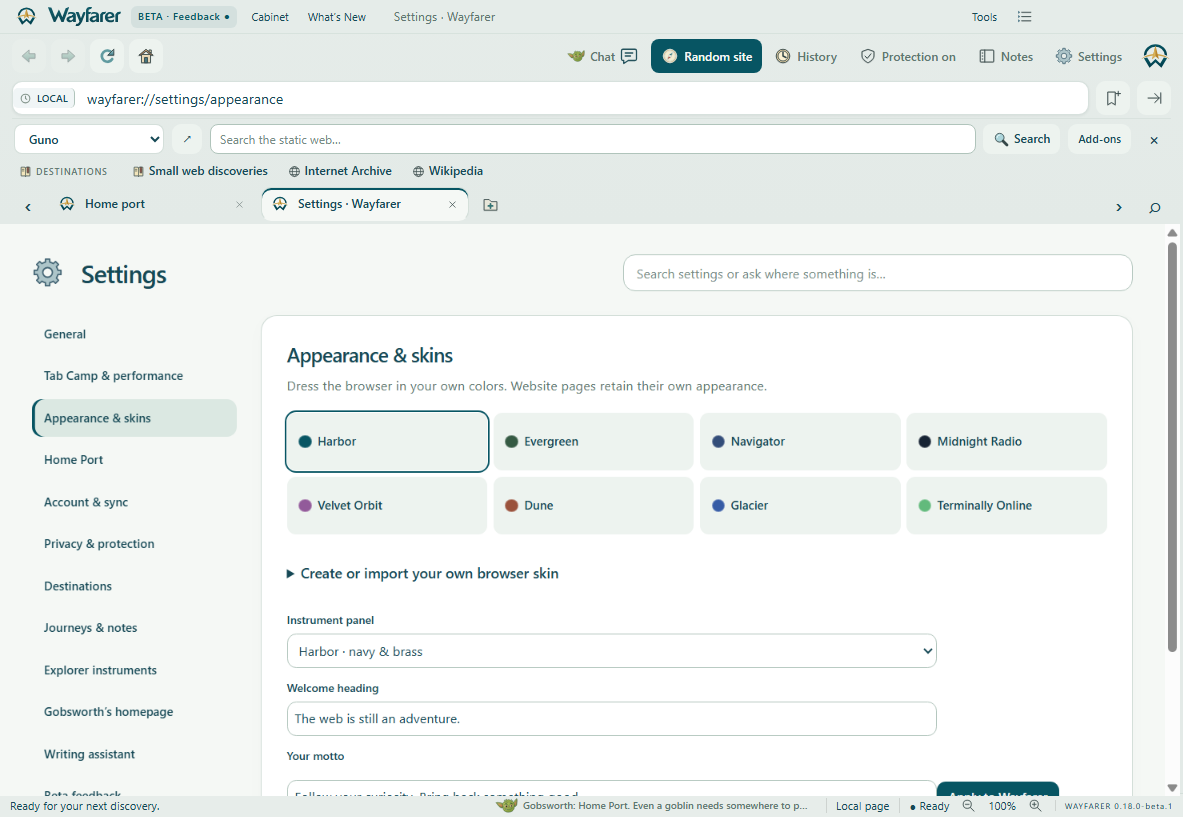
A BROWSER WITH MORE TO EXPLORE
From an eyedropper to a full-page screenshot, everyday explorer tools are already waiting.
Use Page Camera for visible, full-page or selected-area captures, with image exports and PDF.
Color Lab and Site Inspector help explore colors, contrast and public technology signals.
Save destinations in folders, take Field Notes and return to a saved Journey.
YOUR PACE, YOUR CHOICES
Enable optional Tab Camp and choose your limits. Keep important tabs awake and save active work.
Know when a beta is available. Windows ZIP downloads are verified before you open their folder.
Manage devices, profile transfers, website preferences and a separate encrypted password vault.
BUILD FOR WAYFARER
Start with a declarative JSON manifest. Wayfarer renders the controls, validates destinations and keeps the browser space under the user’s control.
Open the developer hub →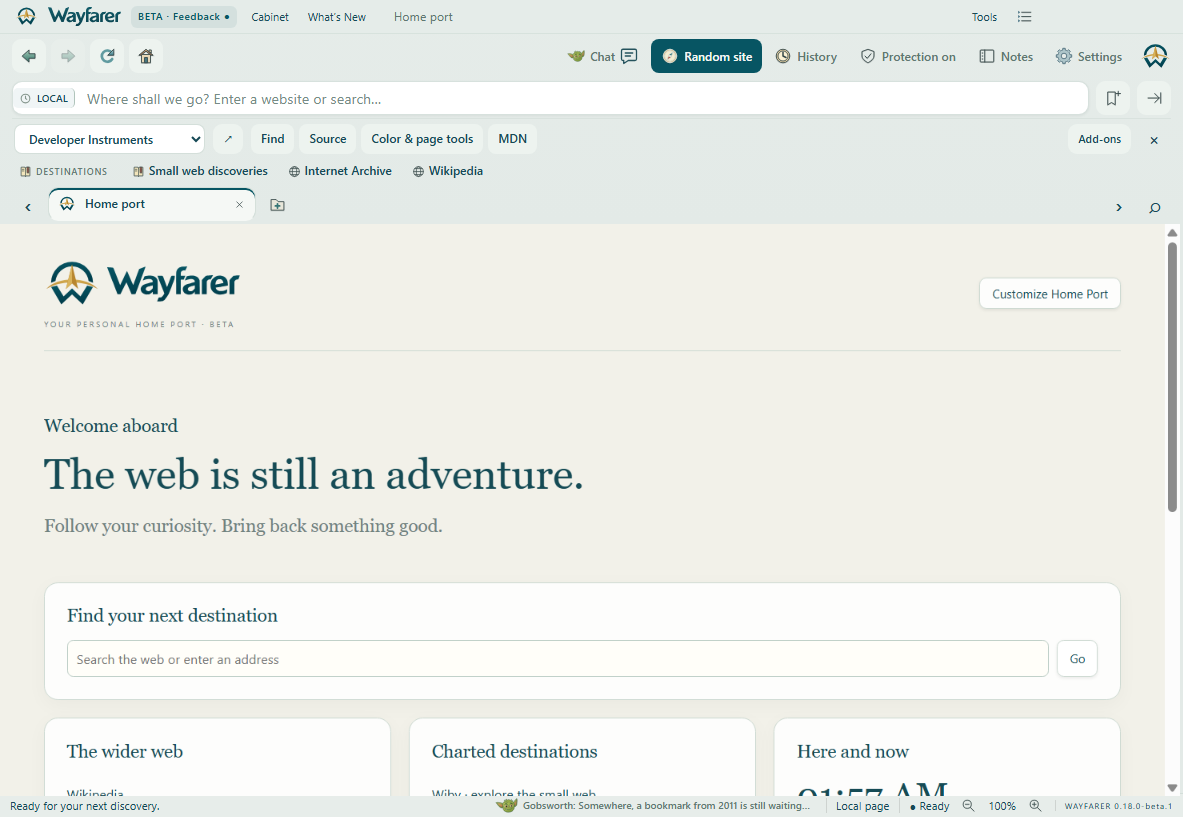
START WITH A LITTLE GUIDANCE
Run the beta and set up your first Home Port.
Documented answers and precise settings locations.
Useful reports, feature ideas and a roadmap you can follow.
A DIRECTION OF ITS OWN
An independent browser from Hamelton Software. Available for Windows beta testers, with an early Android testing app. Help shape what comes next.