OLD-WEB TOOLS · MODERN BOUNDARIES
Toolbars without the takeover.
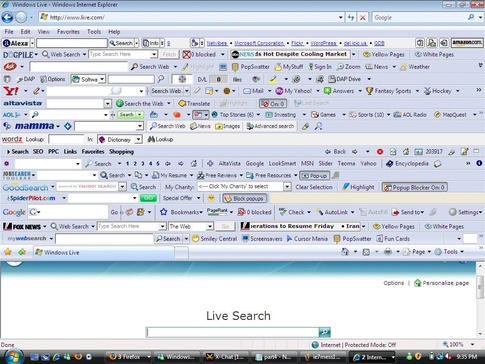
Remember when your browser had room for everything except the website? Wayfarer brings back useful toolbars with one shared shelf, clear controls and limits that keep the page in charge.
Keep the tools. Lose the pile-up.
A shelf by default. Your favorites, your choice.
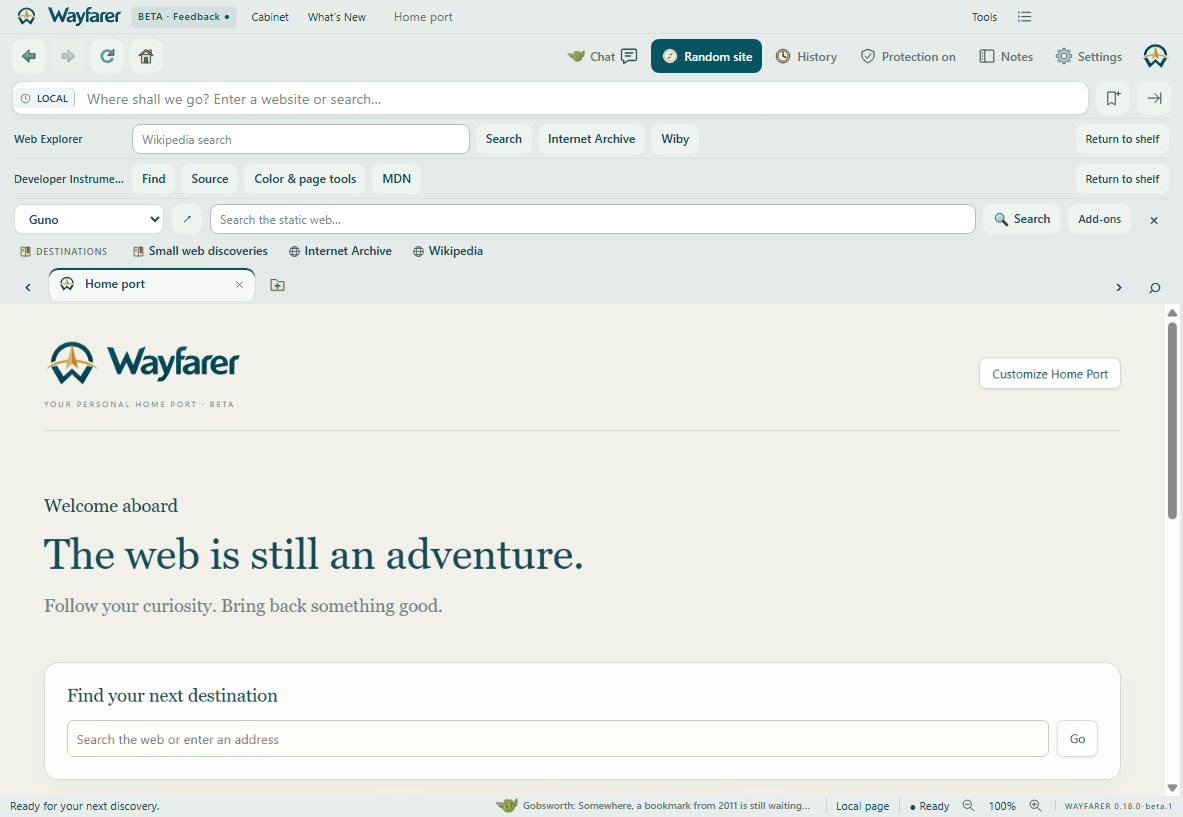
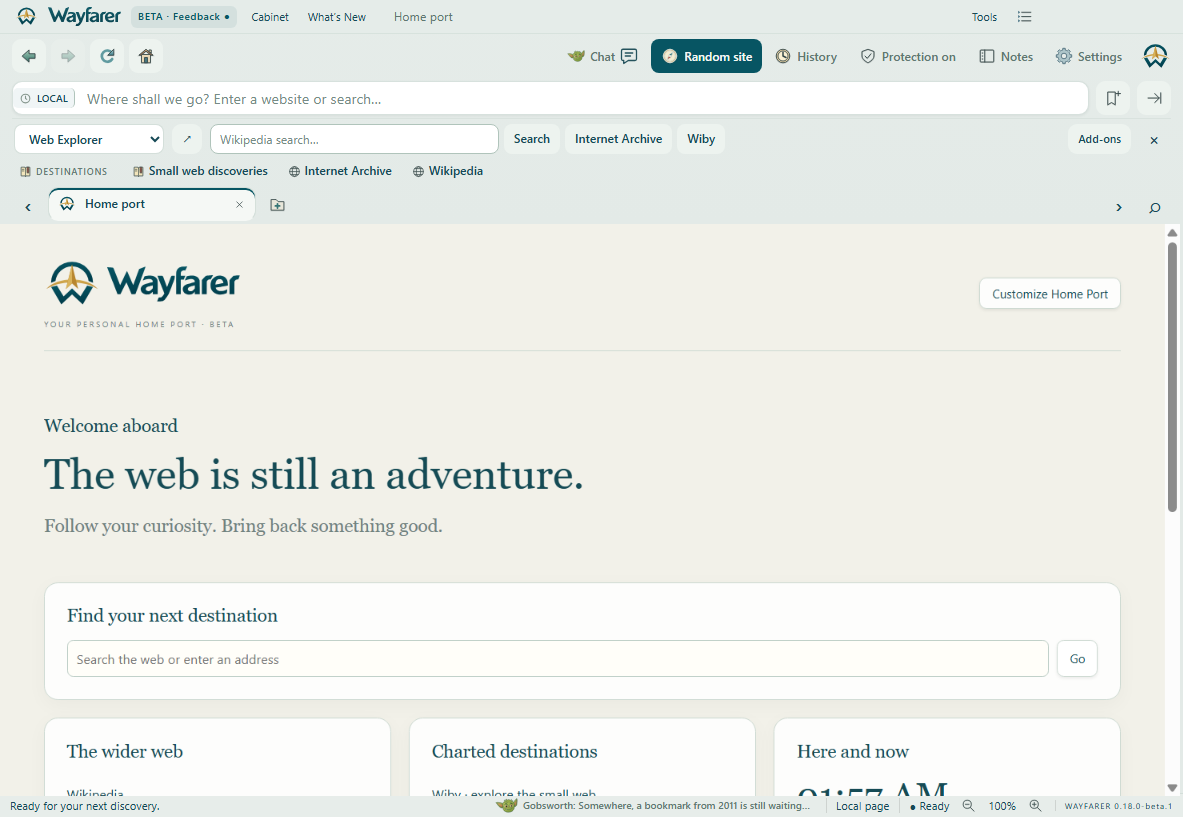
Guno, Web Explorer and Developer Instruments use the same 40-pixel shared row. Installing another toolbar never stacks a row automatically. You can explicitly detach up to three favorites into independent rows.
Switch, don’t stack.
The selector chooses one active toolbar. Installing a toolbar does not show it automatically. Hide the shelf entirely when you want more room.
Limits with a purpose.
Up to six controls per toolbar and twelve installed toolbars. Controls scroll horizontally instead of creating more rows.
Your tools, your choice.
- Open Settings → Add-ons & toolbars.
- Review a bundled toolbar, or import a JSON manifest from its developer.
- Read its destinations and approved browser actions before installation.
- Choose it in the shelf selector. Disable, export or remove it whenever you like.
A recovery route when you need it
Turn all custom toolbars off with one switch. Removal can be undone until you quit. Launch Wayfarer.exe --safe-toolbars to disable custom toolbars for that session.
Build a toolbar without building a browser takeover.
The first Wayfarer toolbar SDK is declarative JSON: search boxes, HTTPS shortcuts and approved browser commands. It runs no extension scripts, reads no page contents, cookies, history or account credentials, and sends no background requests. A search query goes to the configured website only when you submit it.
Imported publisher names are self-reported; imported manifests are not signed or store-reviewed. Each import or replacement requires review. Toolbars are stored locally and are excluded from account sync.
What’s available today?
Guno searches the static web. Web Explorer adds Wikipedia search, Internet Archive and Wiby shortcuts. Developer Instruments gathers Find, page source, Color Lab, page tools and MDN in one shelf.
Community submissions, signed package updates and broader executable extension support remain on the roadmap. The current catalog contains bundled examples; it does not install Chrome extensions.
Follow the roadmap →Your favorites can leave the shelf.
Select a toolbar and click the detach arrow, or choose Detach into own row in Settings → Add-ons. Guno and installed toolbars can each have their own row. Keep less-used tools in the dropdown. Return any independent row to the shelf with one click.
There is a maximum of three independent rows, plus the shared shelf. Each row keeps its six-control limit and scrolls horizontally if needed. Disable custom toolbars or use safe mode to recover without losing your saved choices. Independent toolbars stay inside the browser window; they are not separate floating windows.