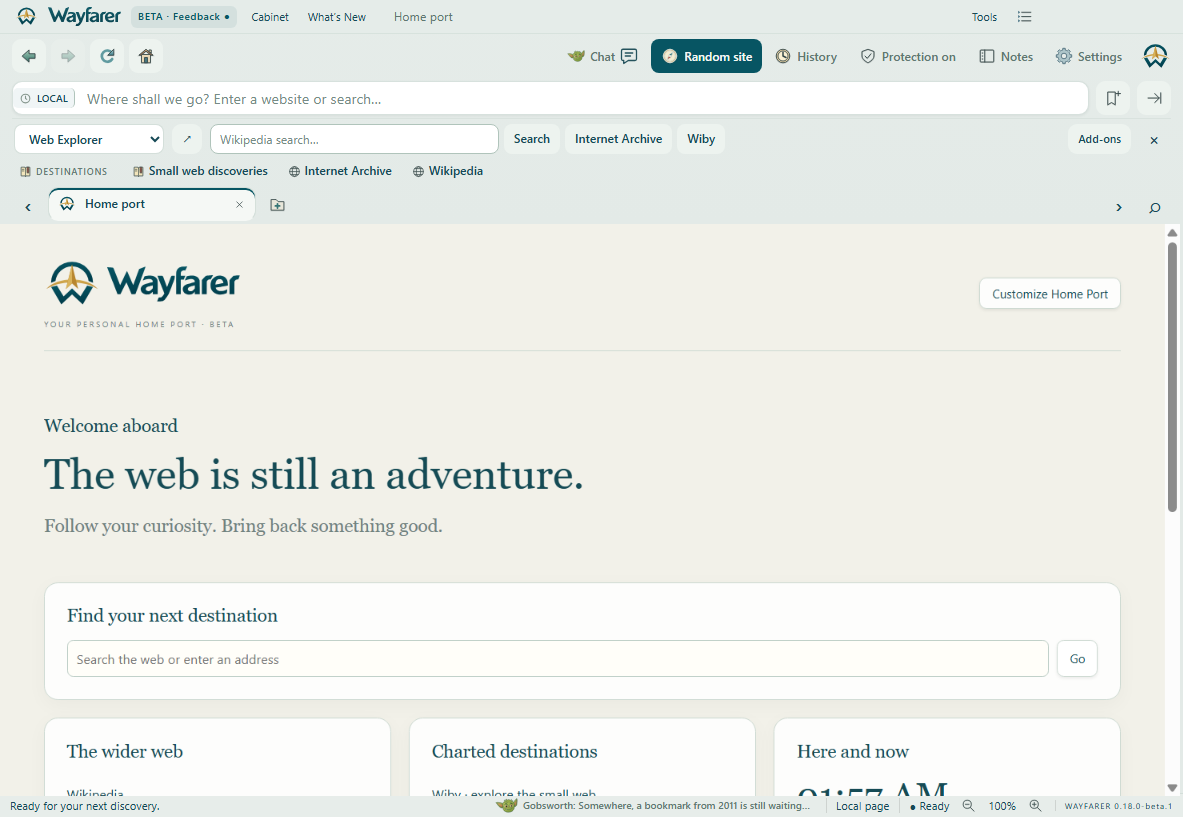
Web Explorer · 1.0.0
Wikipedia search, Internet Archive and Wiby shortcuts. Published by Hamelton Software. Search terms go to Wikipedia only when submitted.
Download toolbar JSON
WAYFARER ADD-ONS · PREVIEW
Native toolbars with an old-web spirit, built from modern declarative JSON. This first catalog contains Wayfarer’s bundled examples. Community submissions and executable extensions are planned.
Old browsers could disappear beneath stacked toolbars. Wayfarer starts with every toolbar in one shared shelf.
See the before-and-after and how the shelf works →Wikipedia search, Internet Archive and Wiby shortcuts. Published by Hamelton Software. Search terms go to Wikipedia only when submitted.
Download toolbar JSON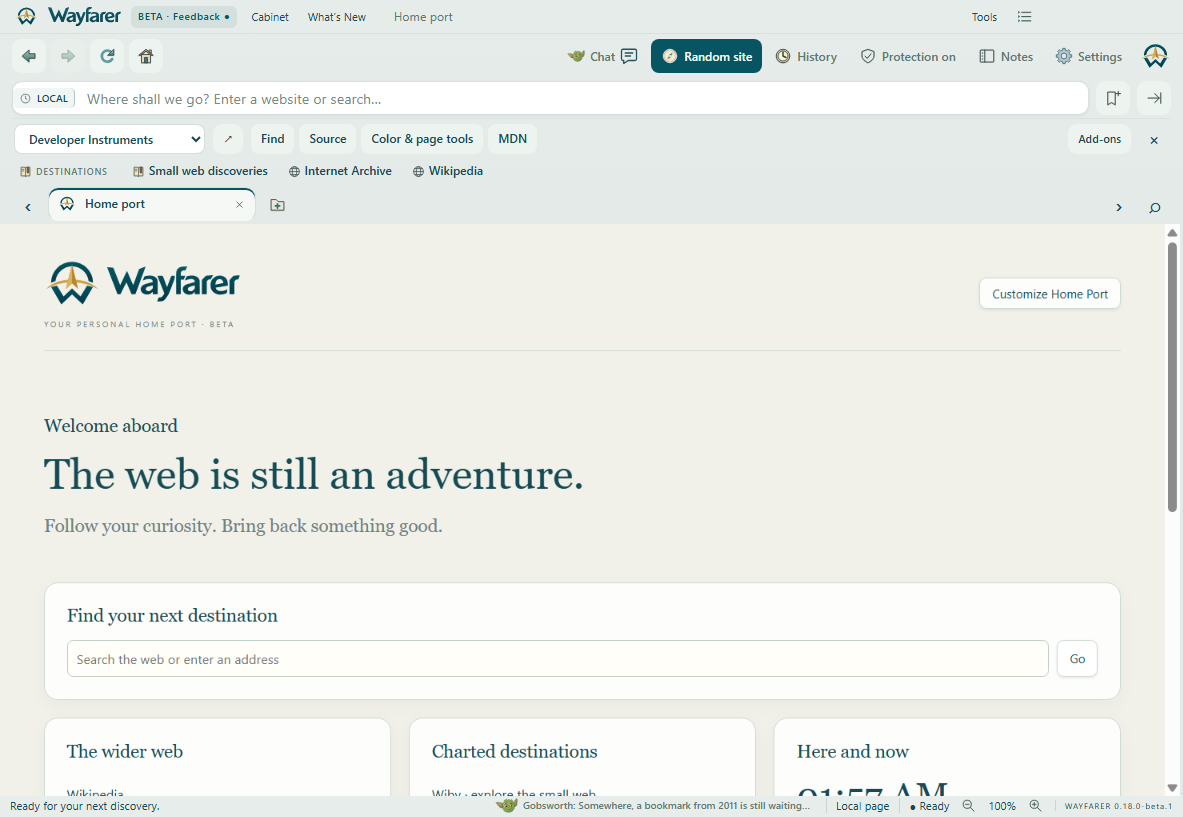
Find, page source, Color & page tools and MDN, in one compact row. Published by Hamelton Software.
Download toolbar JSONOpen Settings → Add-ons & toolbars. Review and install a bundled example, or import JSON. Review its destinations and browser actions, then choose it from the toolbar selector. Installation starts on the shared shelf. Choose Detach into own row to keep a favorite visible. Guno shares the same shelf.
There is one visible 40-pixel shared row, with up to six controls per toolbar and twelve installed toolbars. Extra controls scroll horizontally. Disable, export or remove individual toolbars; turn all custom toolbars off together. Launch Wayfarer.exe --safe-toolbars for session recovery.
This initial SDK renders native controls from JSON. It accepts searches, HTTPS links and approved browser actions. It cannot execute scripts, read pages, cookies, history or account credentials, or send background requests. Imported publisher names are self-reported; imported manifests are not signed or store-reviewed. Every import or replacement requires review. Toolbars stay on the device and are excluded from account sync.
Eight bundled skins and your own JSON/CSS palette imports are available in Settings → Appearance & skins.
Browse skin screenshotsCommunity publishing, signed package updates and broader Chrome extension API compatibility need additional development. This preview does not install Chrome extensions.
Read Developer SDK & examples in the browser’s Add-ons page, export an installed toolbar as a starting point, and share your JSON. No account is needed to develop or import a toolbar.
Follow the add-on roadmap