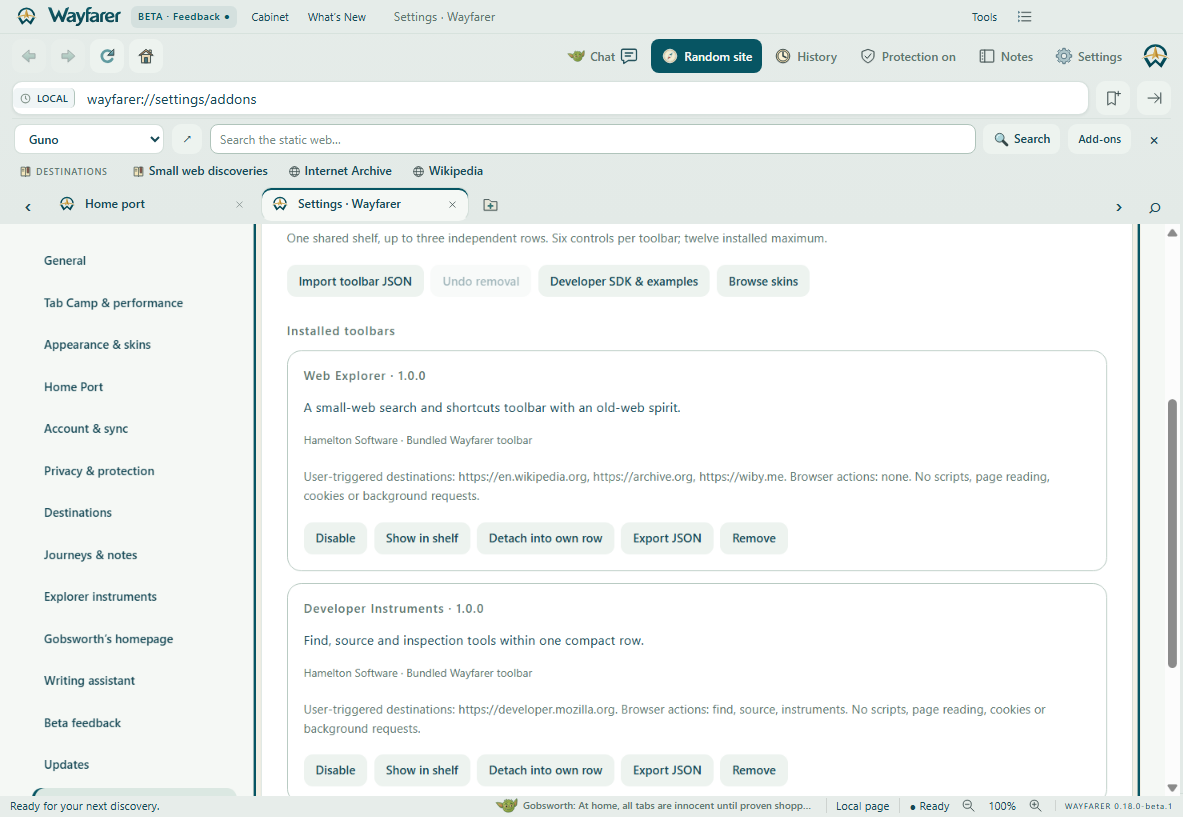
Add-ons & toolbar catalog
Install and review bundled examples or import your own JSON toolbar.

TAKE A LOOK AROUND
Actual beta interfaces captured with an isolated demo profile. Browser chrome and page surfaces are combined at their normal layout bounds. Click any image for the full screenshot.
Install and review bundled examples or import your own JSON toolbar.
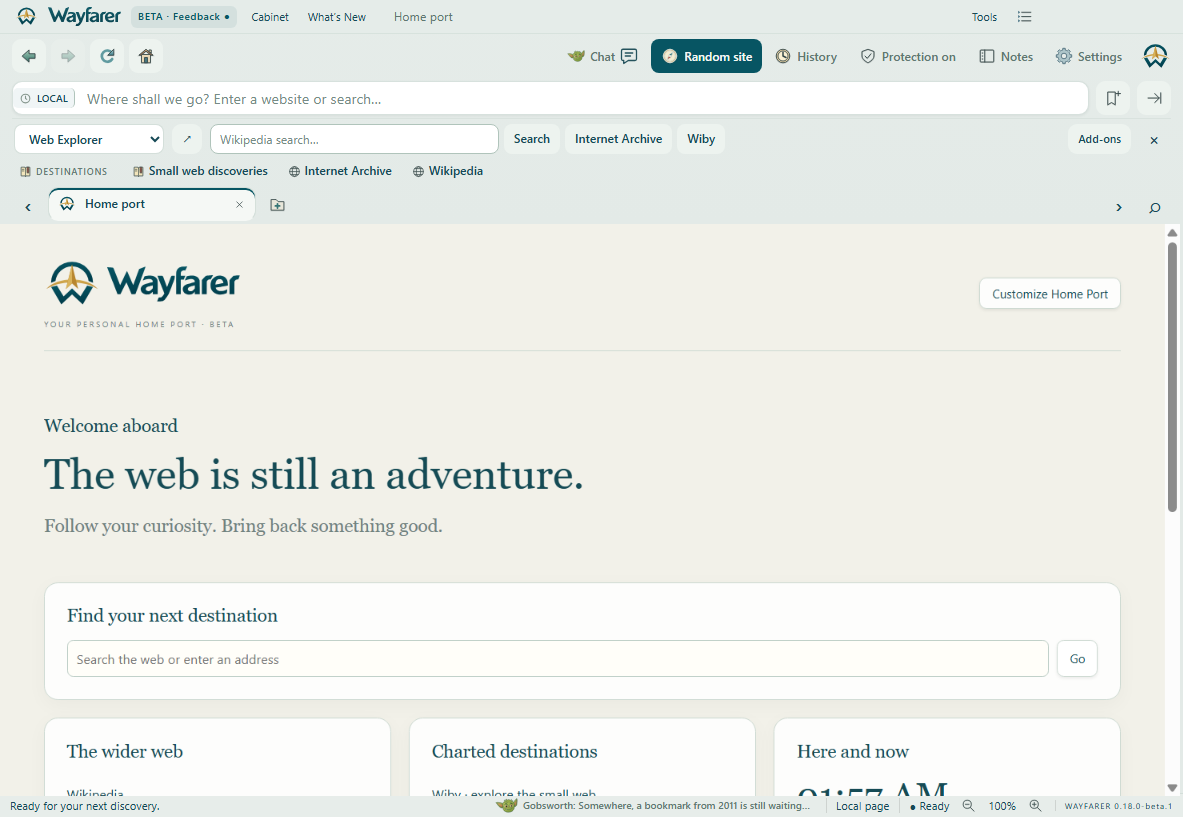
Wikipedia search and small-web shortcuts share one compact shelf with Guno.
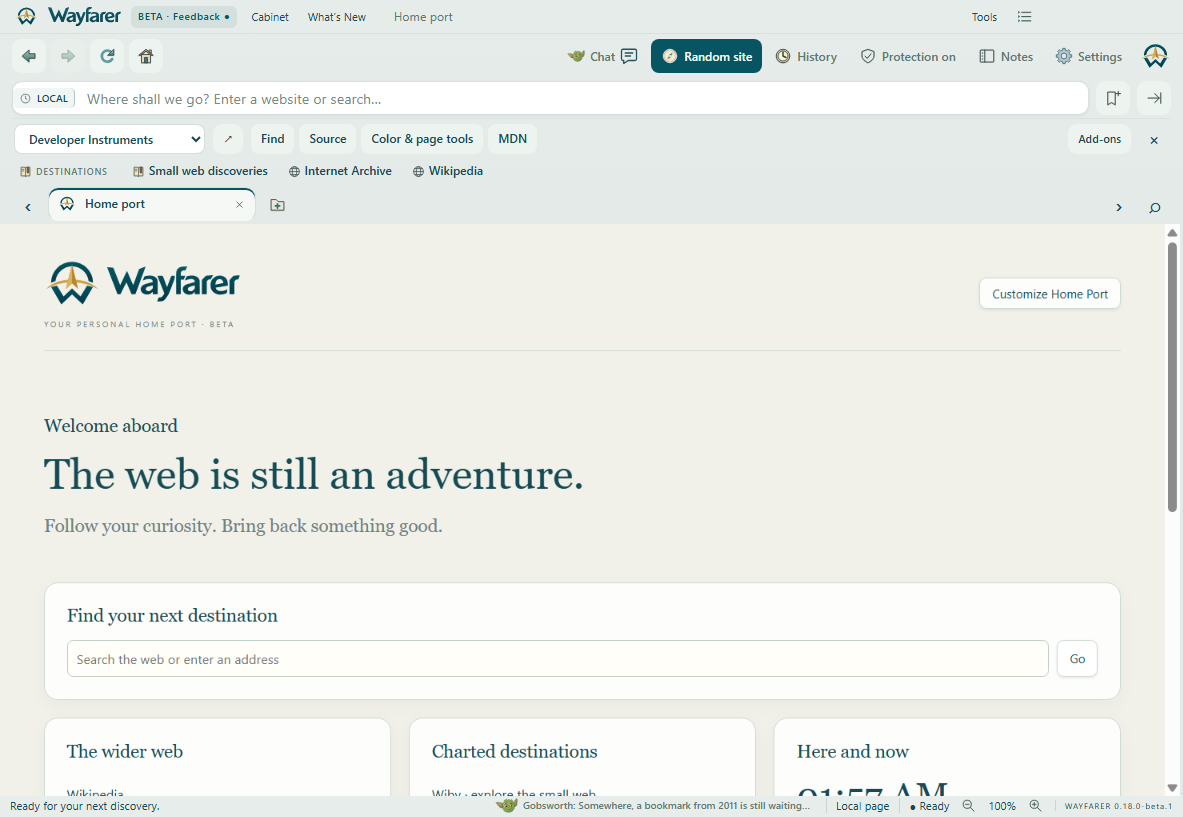
Find, source and page tools without another row of browser chrome.

Ask about settings without digging through menus. Local answers offer a direct link to the exact control.
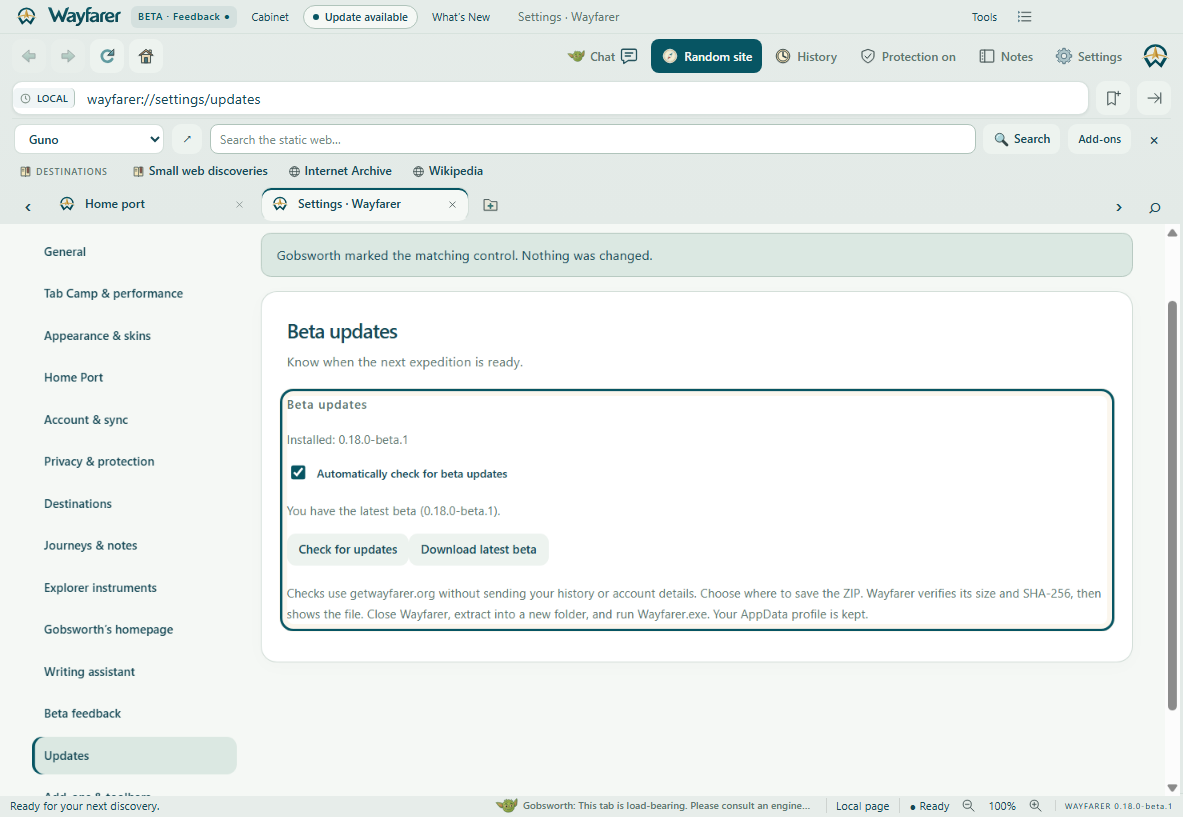
The update badge opens this page. Download progress and integrity checks stay inside Wayfarer.

A popup introduces the additions in the installed beta, once per version; reopen it anytime.
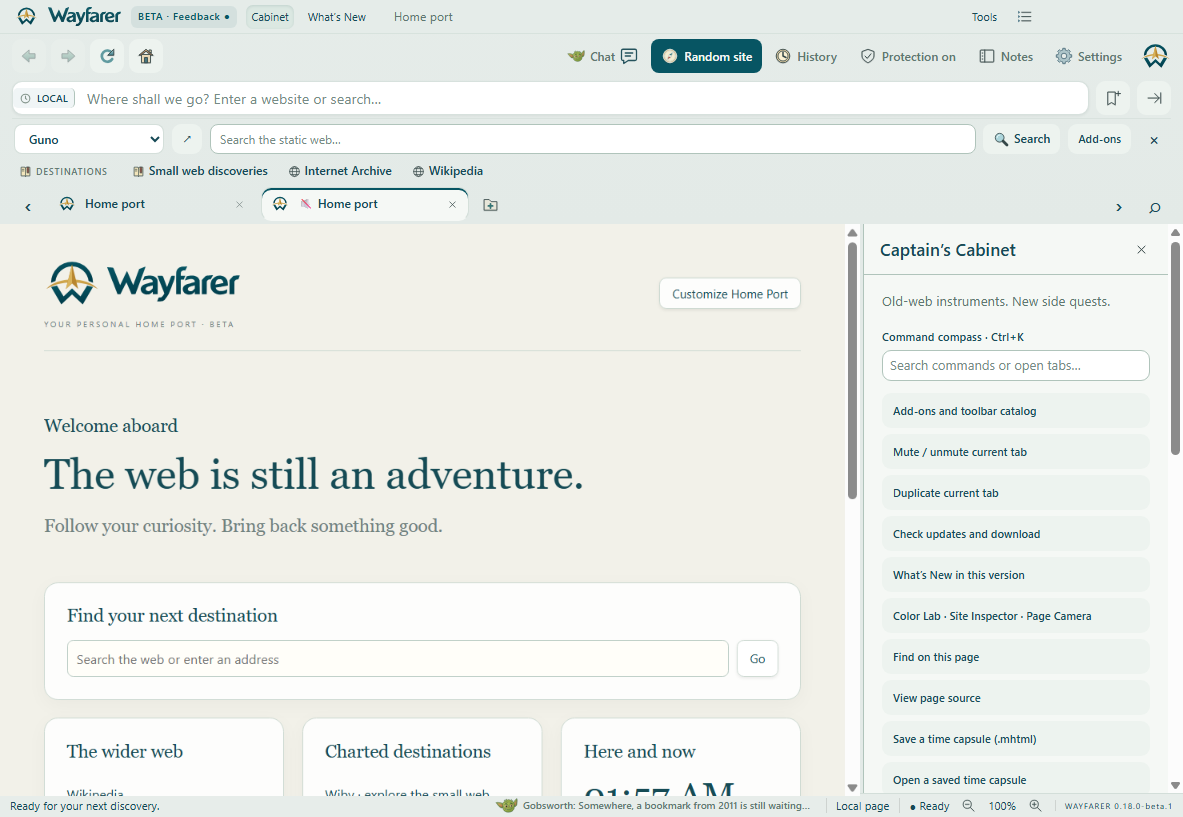
Right-click a tab to duplicate it or mute noisy audio. Muted tabs show a clear indicator.
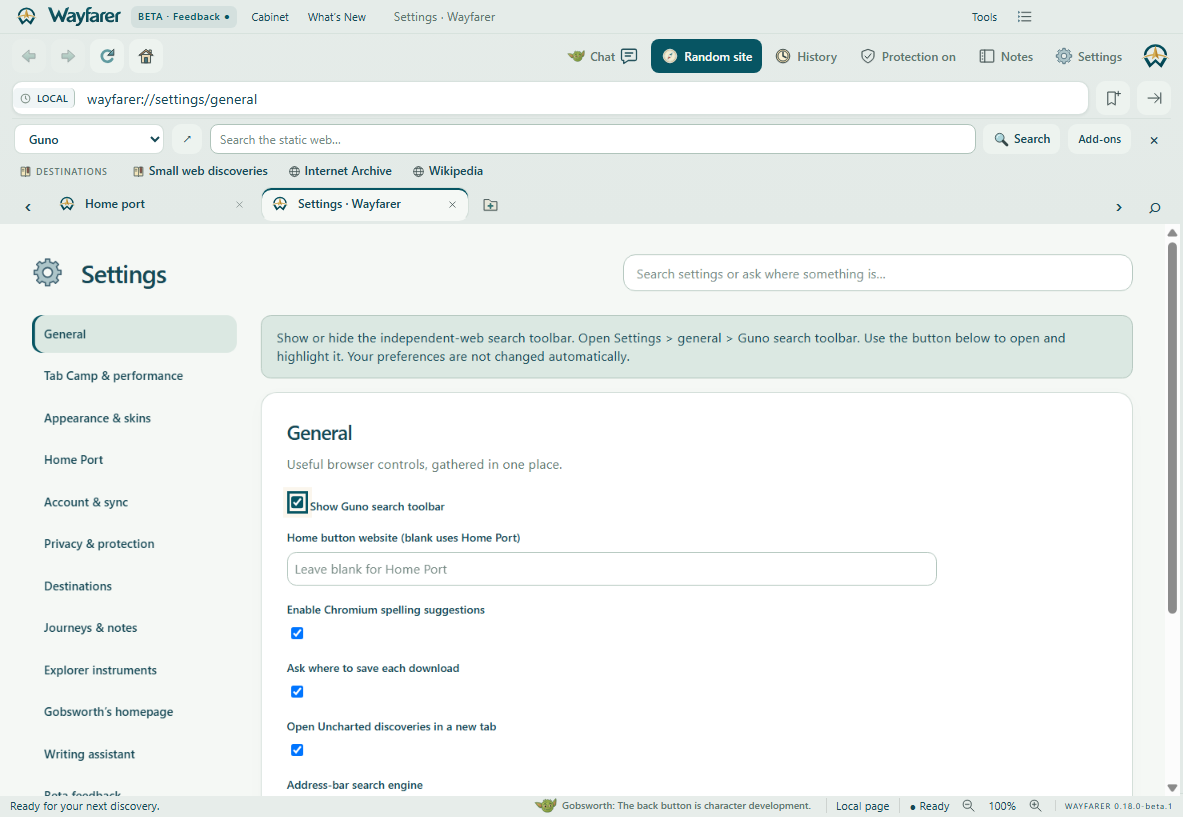
Local question matching opens the correct category and marks the exact control.
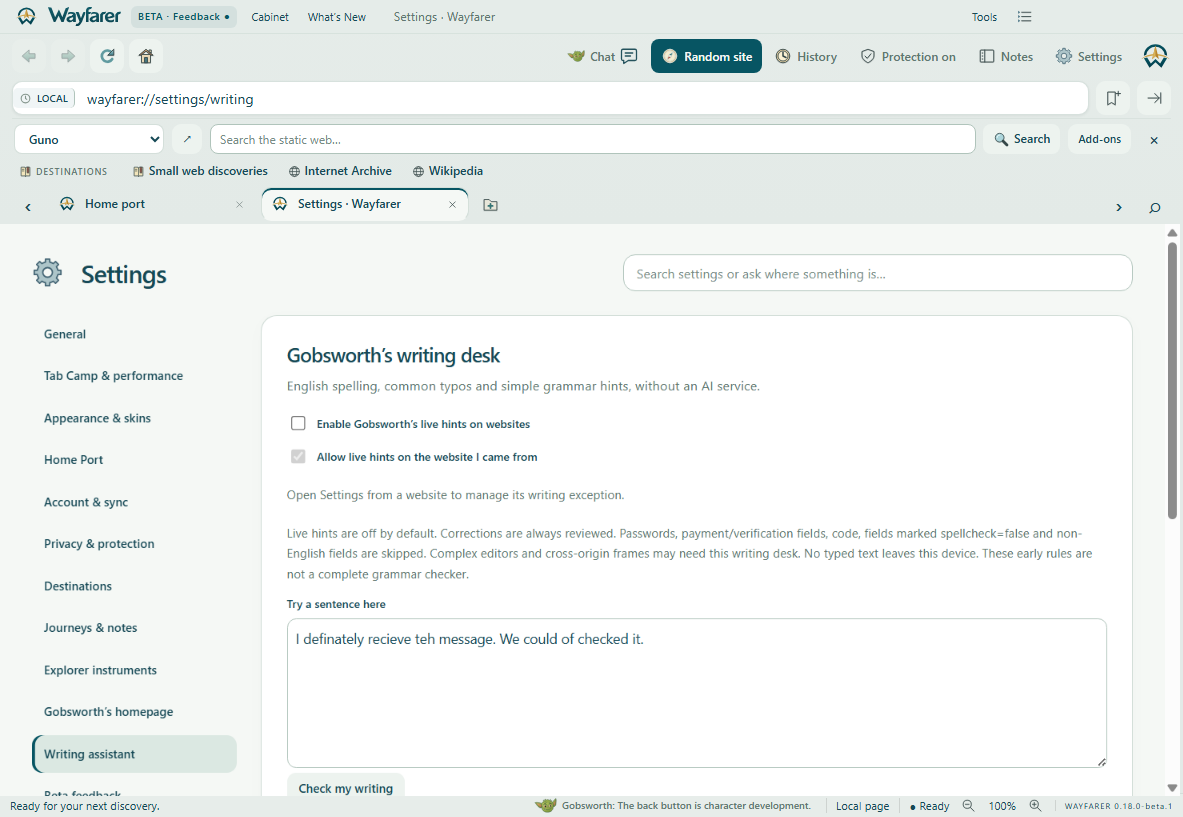
Reviewed English typo and grammar suggestions, without an AI service.
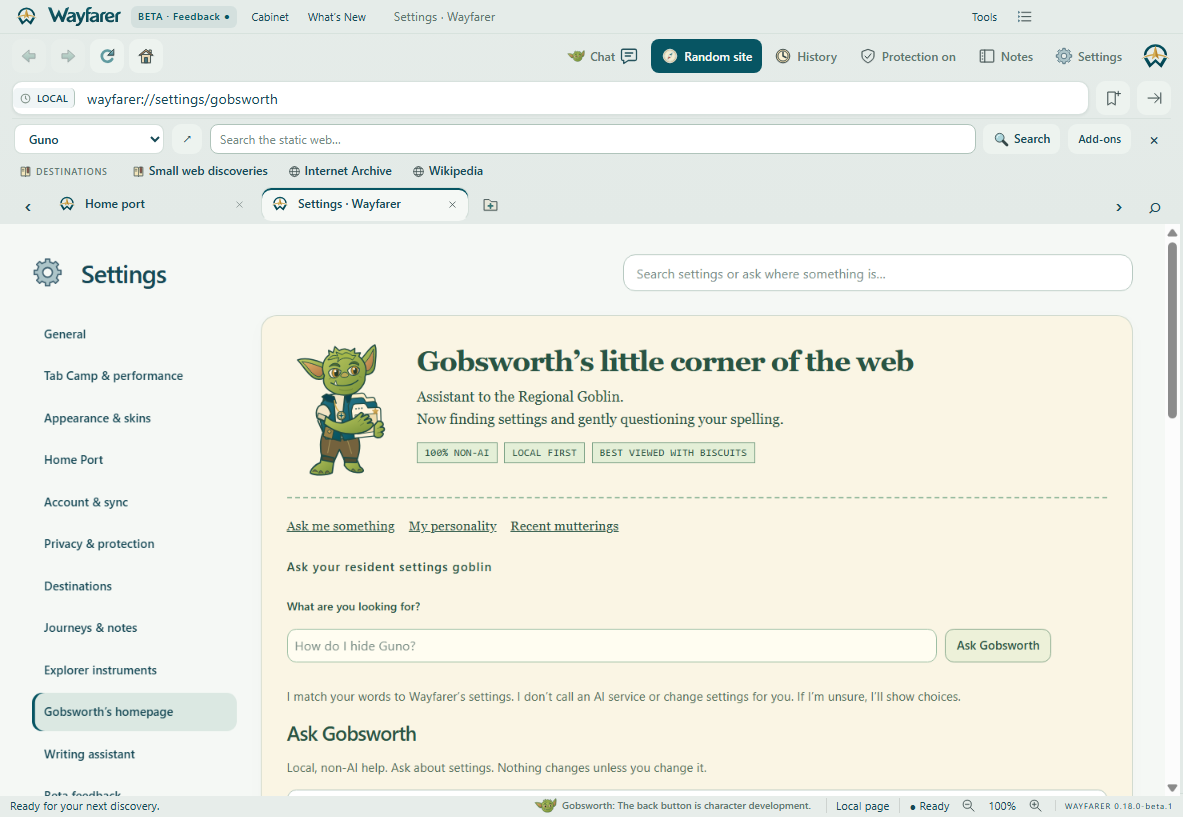
Gobsworth’s personal homepage, settings questions, local writing assistance and delightfully imaginary tab receipts.
Meet the goblin →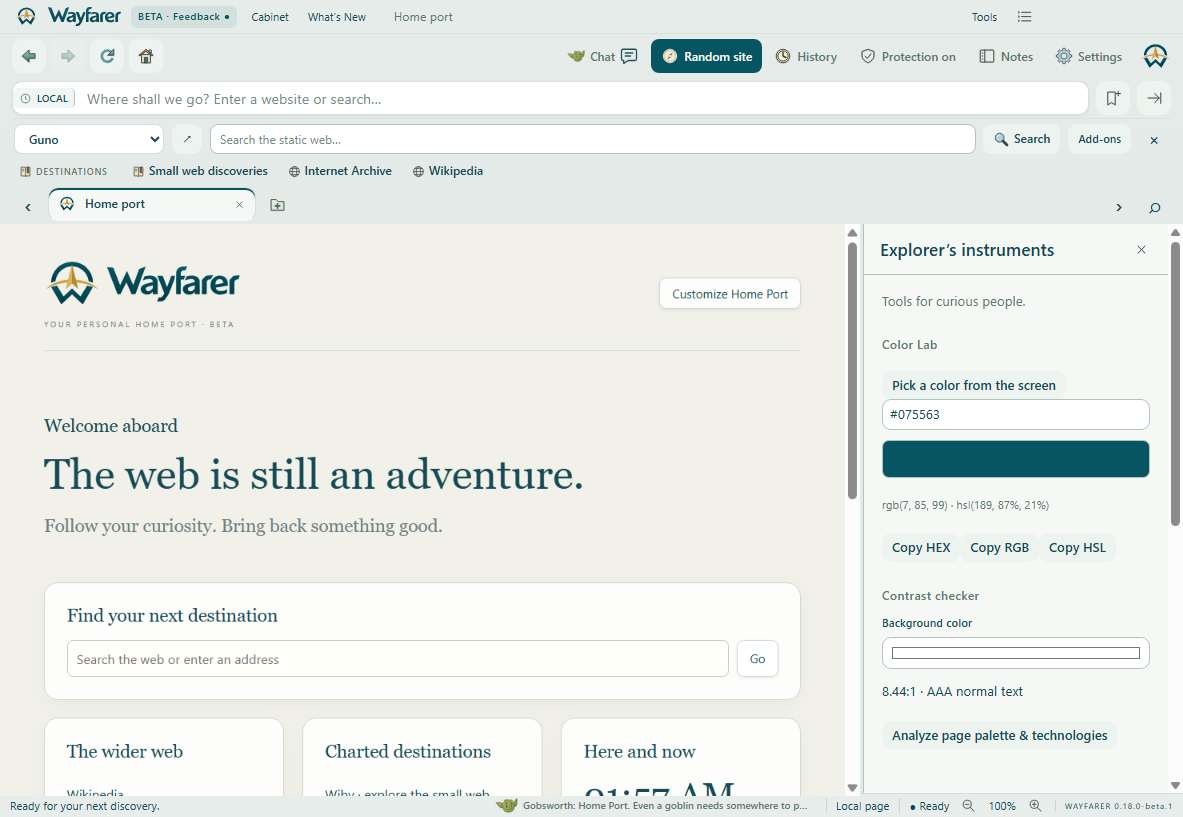
Color Lab, local technology inspection and Page Camera, built into Wayfarer.
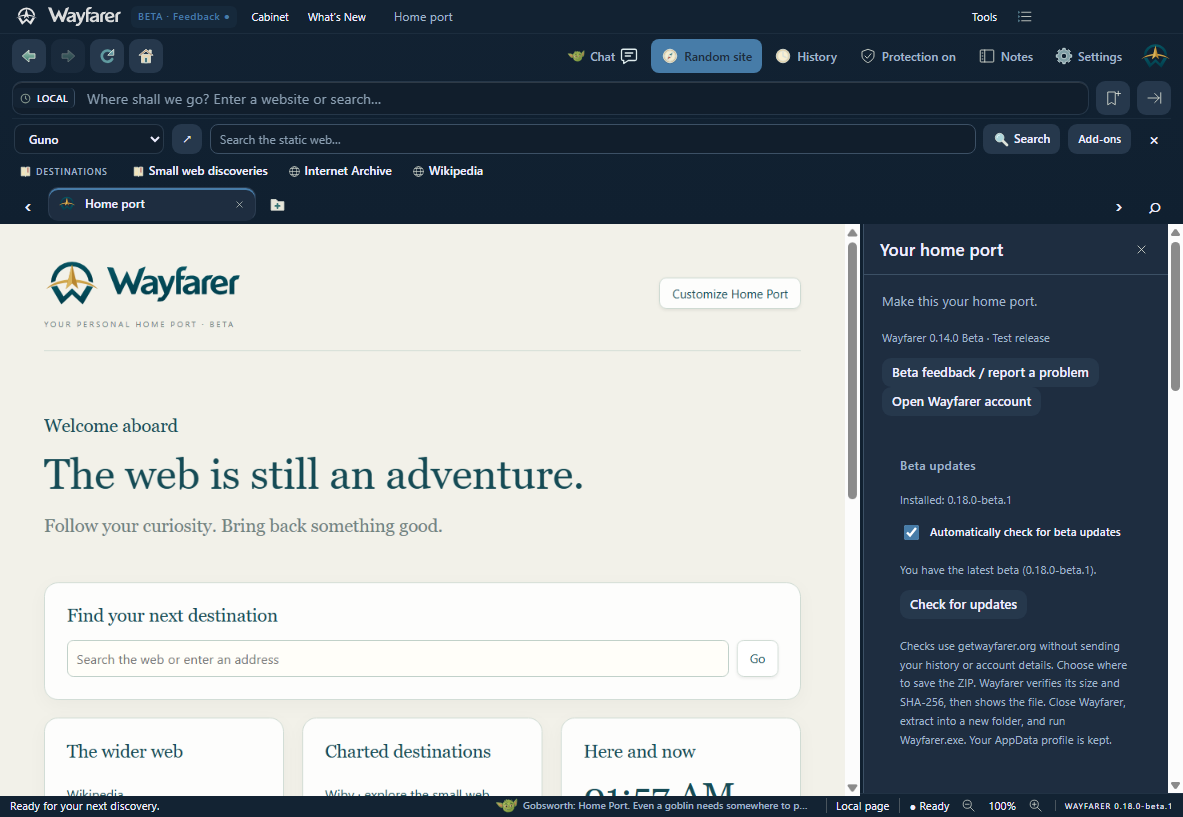
Create, edit, import and export a skin for the entire browser interface.

Eleven block types: welcome, search, links, destinations, journeys, text, checklists, clock, image, countdown and quote. Arrange a portal that feels like yours.
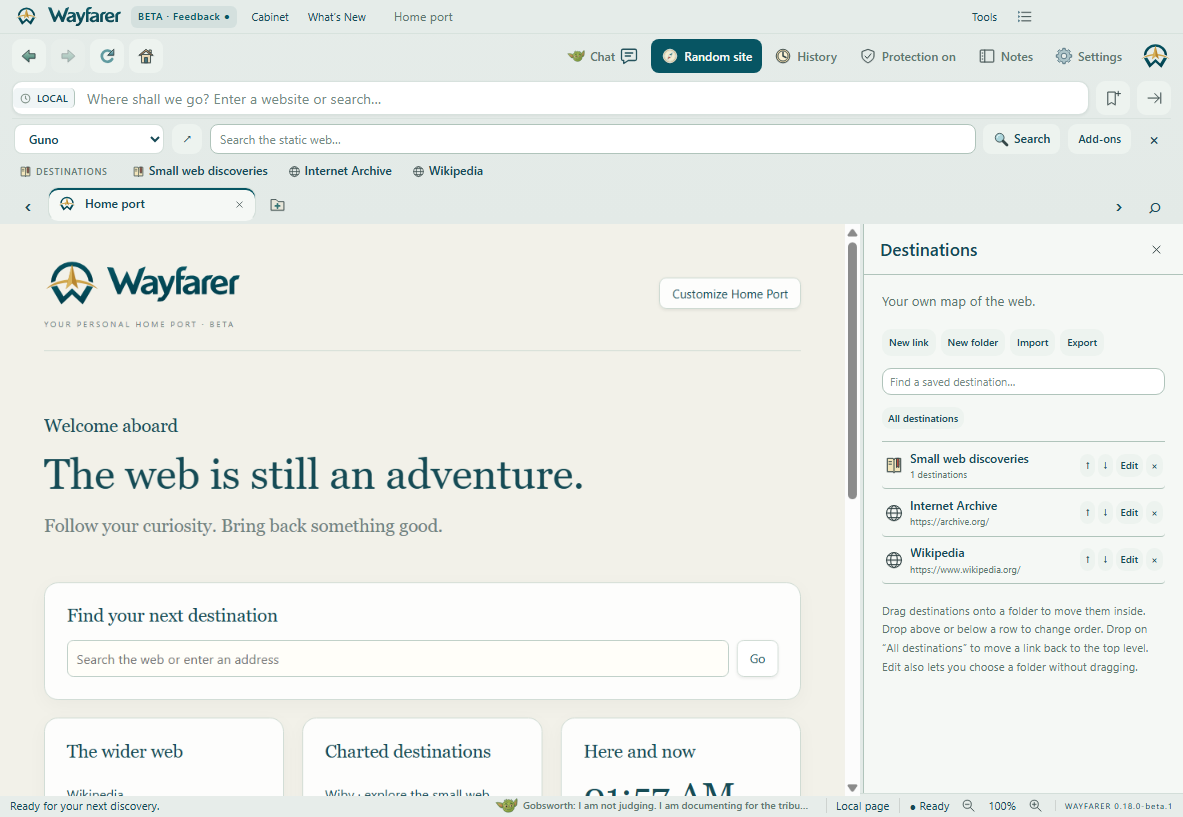
Create folders and nested folders. Drag links into them, rearrange destinations, edit names and addresses, search, delete, and import or export JSON.
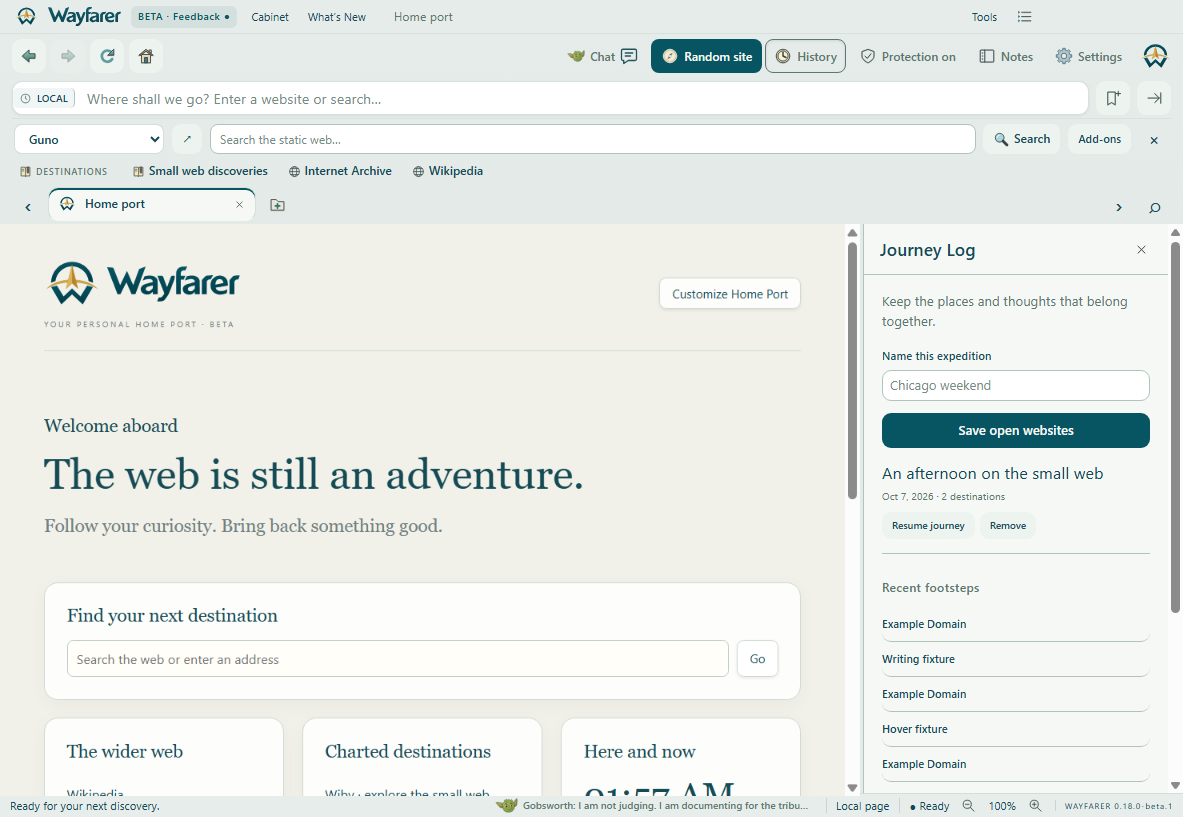
Save open website addresses and Wayfarer notes as a Journey. Return to the whole expedition later. History and notes stay on your computer.
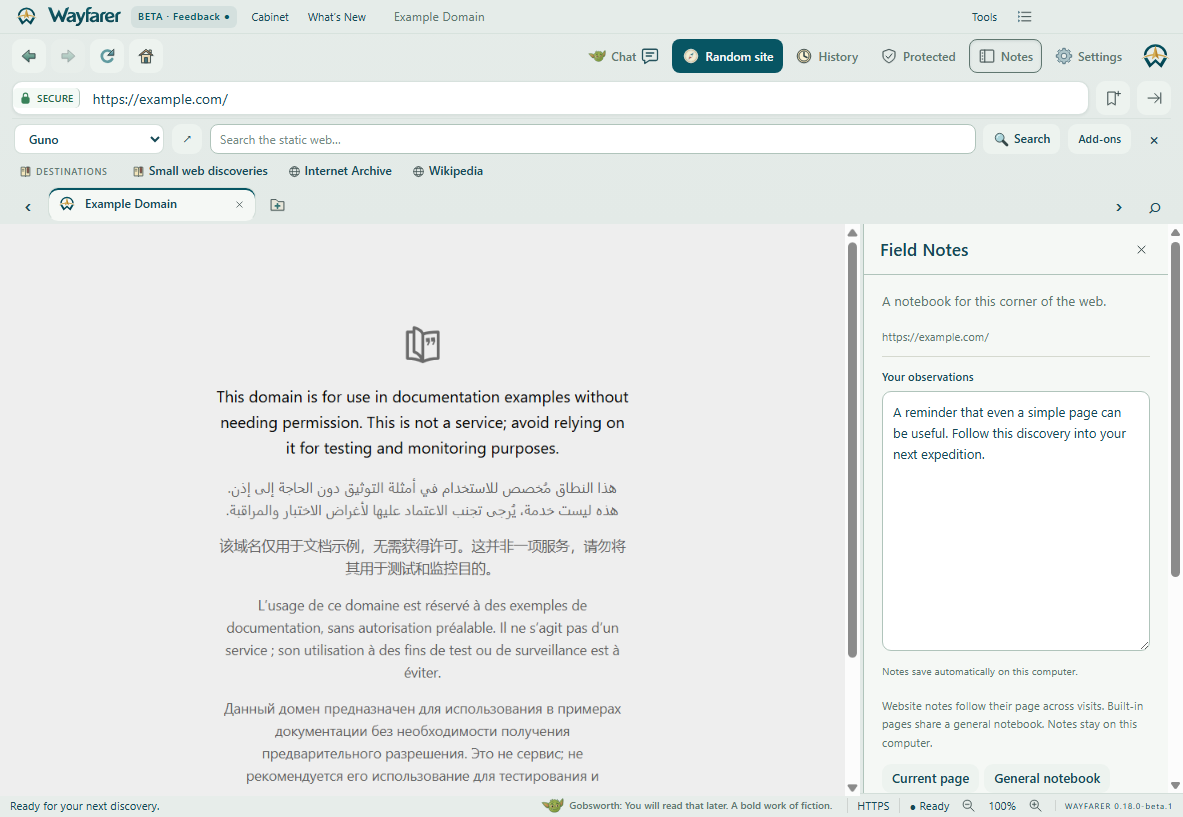
Field Notes save automatically for a page and follow it across visits. They travel with saved Journeys.

Ad, tracker and annoyance blocking with Ghostery’s engine and community filter lists. Turn it off globally or for one site. Cookie notices have their own switch; hiding one does not make a consent choice.
Sync destinations, browser settings and Home Port across Wayfarer devices. Stay entirely local if you prefer. Accounts store profiles over HTTPS on our server; sync is not end-to-end encrypted.

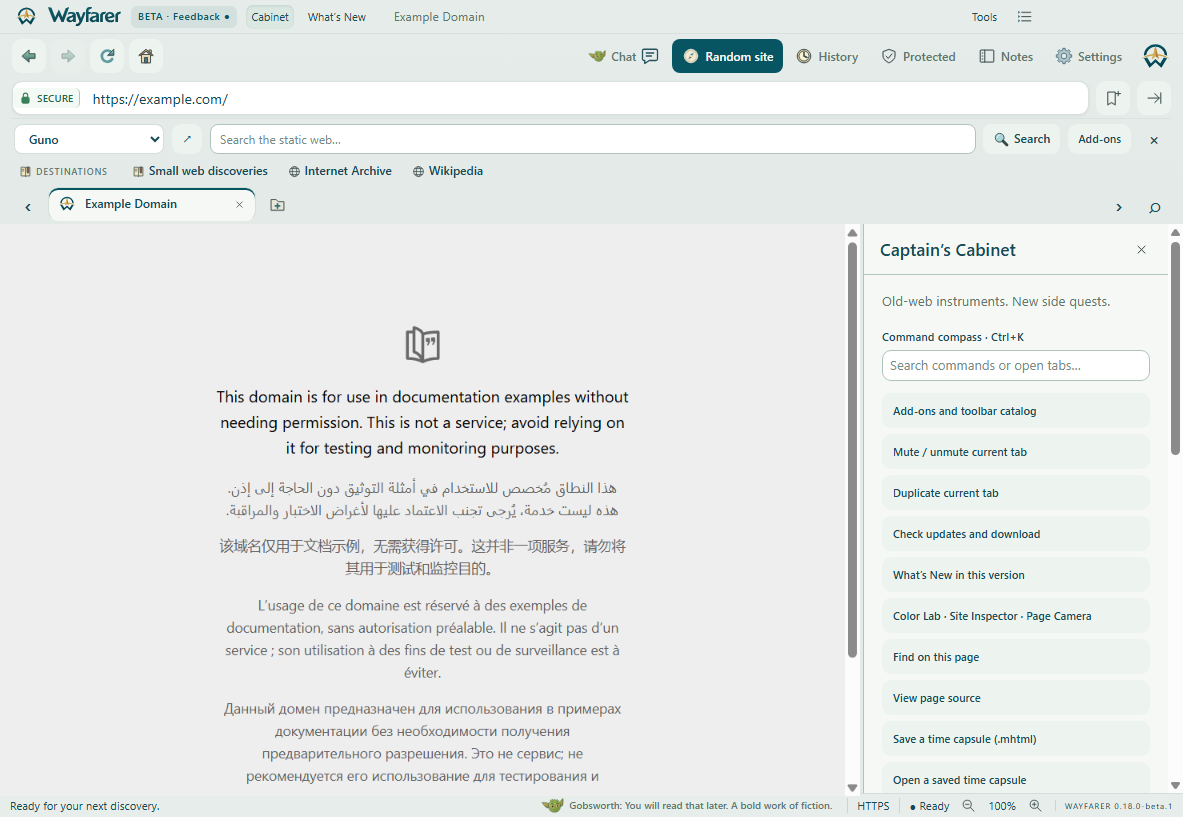
Search commands and open tabs. Find text, view source, reopen a closed site, print, save a PDF, or save and reopen an MHTML web time capsule.
Copy a page title, link and playful caption to the clipboard. Release your discovery wherever you choose. Wayfarer never posts it for you.
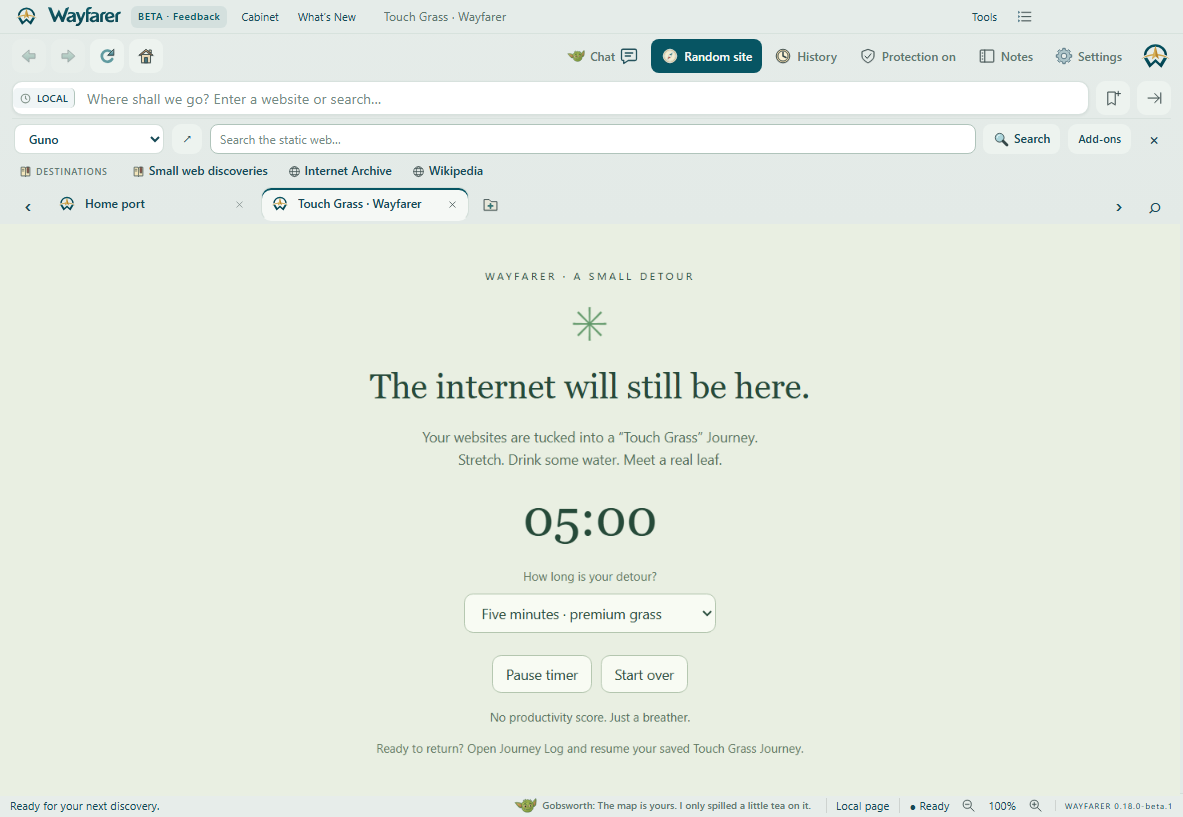
Park your open websites in a Journey before closing them. Take a one-, five- or fifteen-minute break. Resume the addresses from Journey Log. Unsaved forms and live page state are not restored.
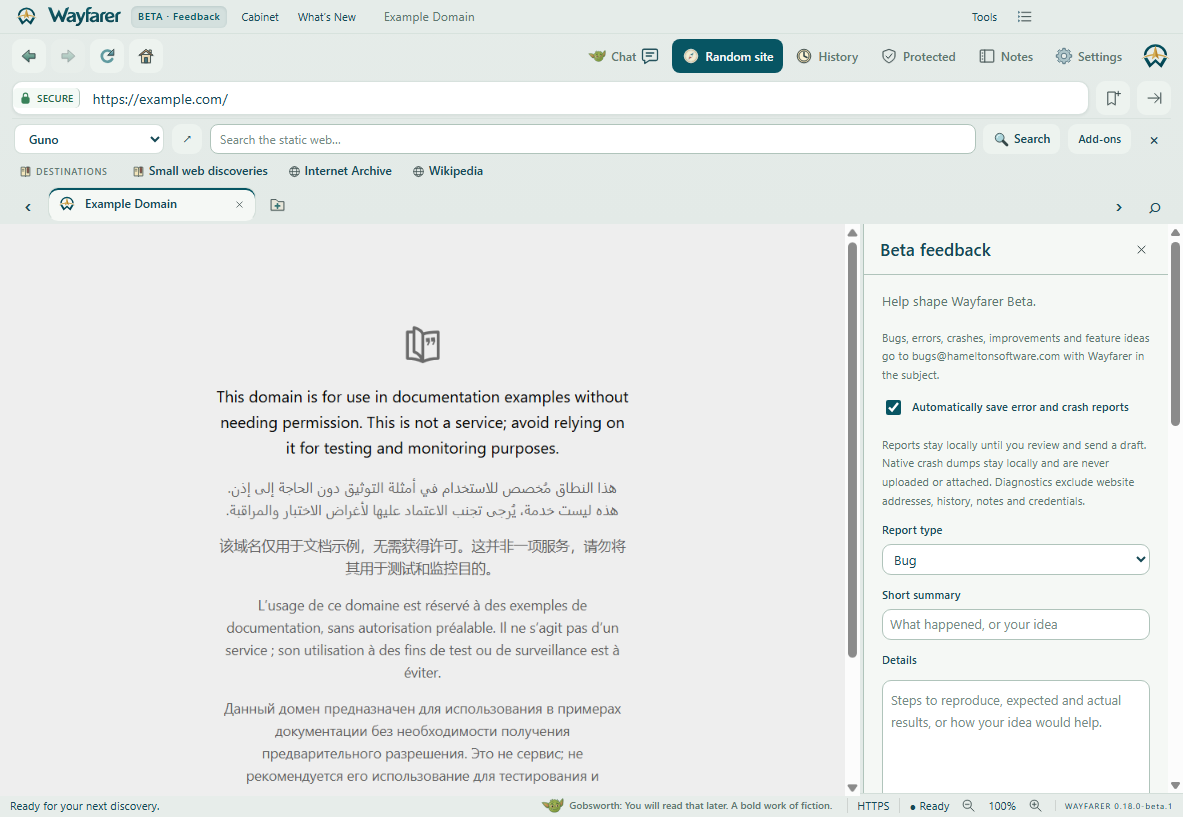
Report bugs, errors, crashes, improvements and feature ideas. Review a readable email draft addressed to bugs@hameltonsoftware.com. Error capture is local; nothing is automatically emailed.

Add, edit, hide, remove and rearrange blocks. Create a checklist for your next side quest or a countdown to your next adventure.

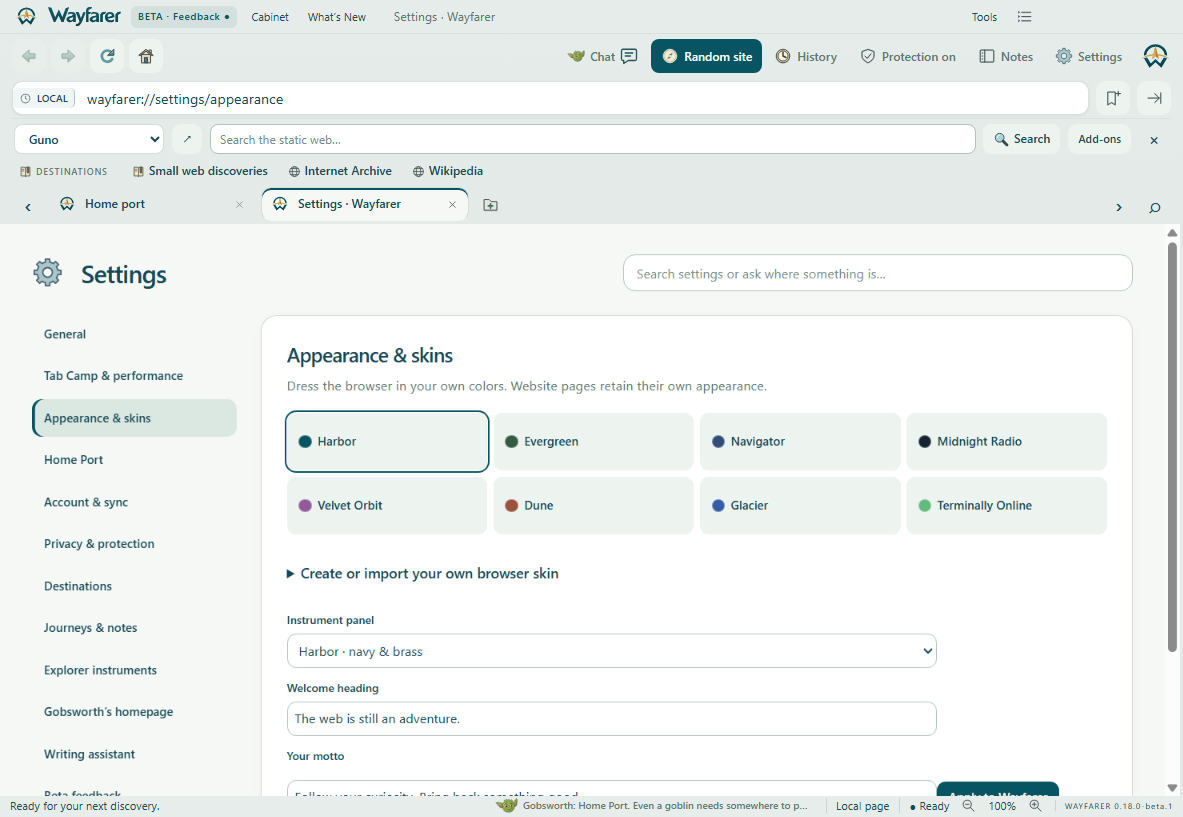
Choose a Home Port theme, change the column layout, add a background or import a local image. Browser skins and portal appearance can be personalized independently.
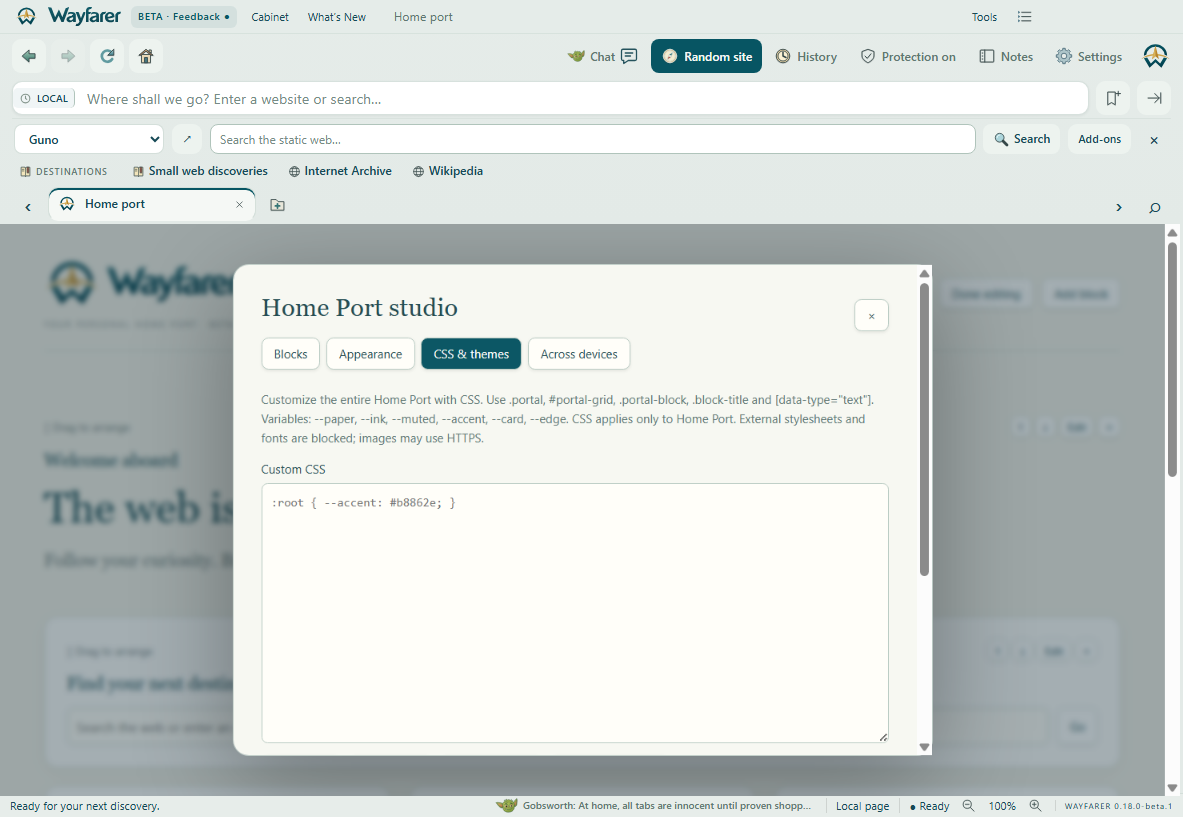
Edit Home Port CSS, create custom themes, and import or export a complete stylesheet. Appearance reset offers a way back if your experiments go sideways.

Export and import a portable profile with destinations, settings and Home Port. No account is required. Local backgrounds are embedded in your export.

One of eight built-in browser skins. Your websites keep their own appearance.
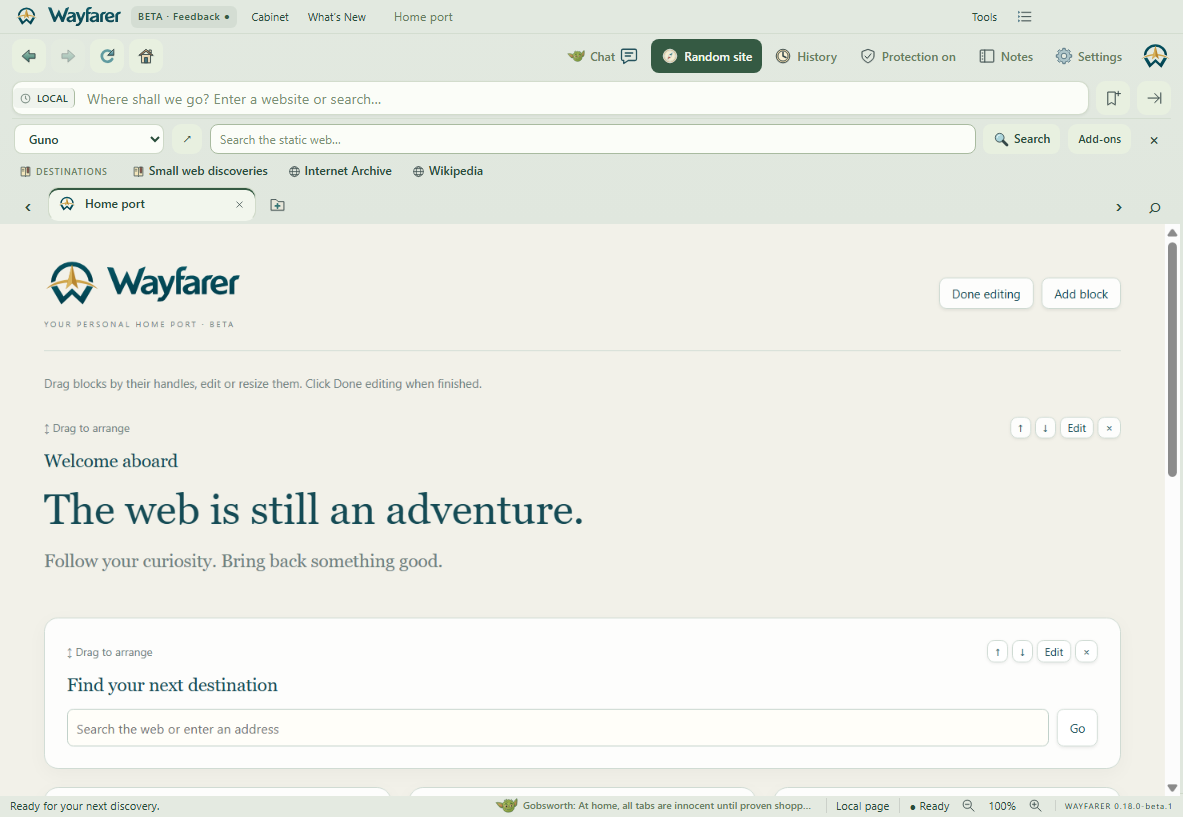
One of eight built-in browser skins. Your websites keep their own appearance.

One of eight built-in browser skins. Your websites keep their own appearance.

One of eight built-in browser skins. Your websites keep their own appearance.

One of eight built-in browser skins. Your websites keep their own appearance.
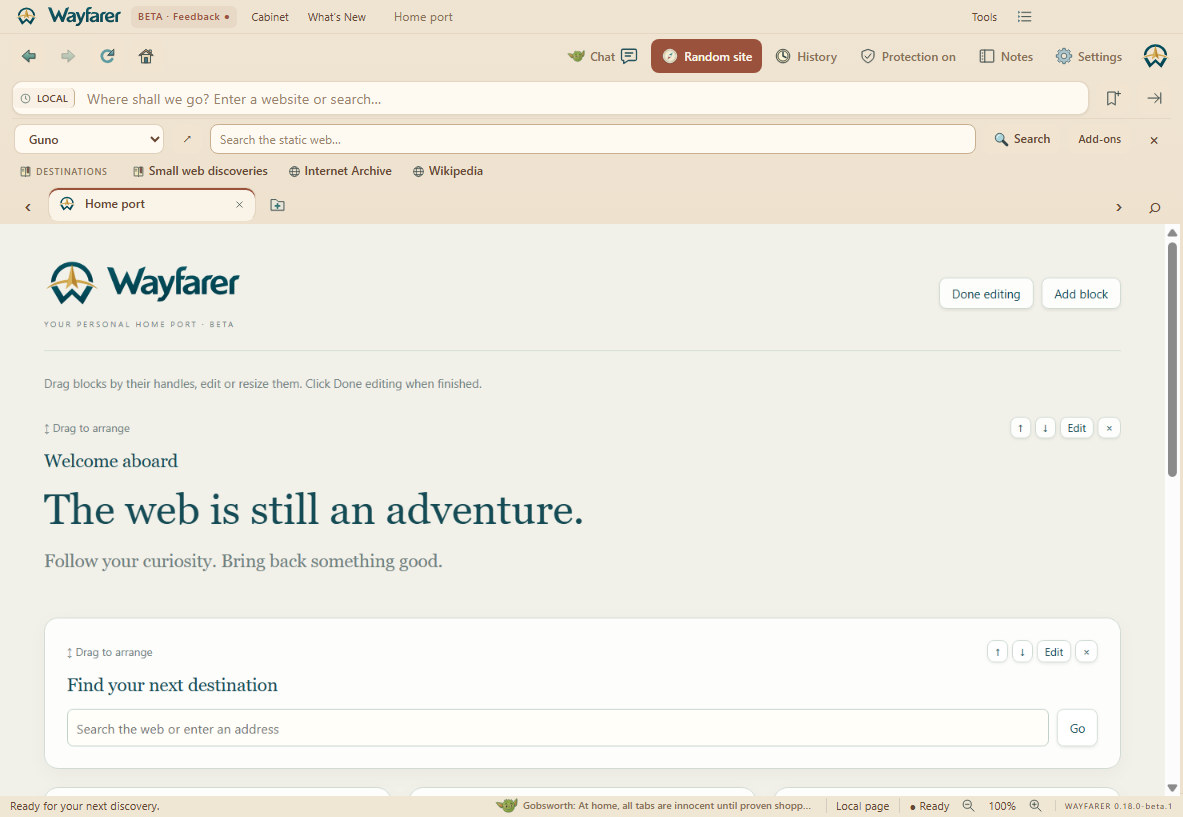
One of eight built-in browser skins. Your websites keep their own appearance.

One of eight built-in browser skins. Your websites keep their own appearance.

One of eight built-in browser skins. Your websites keep their own appearance.
The always-available Guno toolbar can be hidden in Settings. Uncharted uses Wiby’s live surprise destinations and avoids recently visited hosts. Open Gobsworth’s homepage in Settings to enable thoughts, ask about controls, or customize optional writing hints.
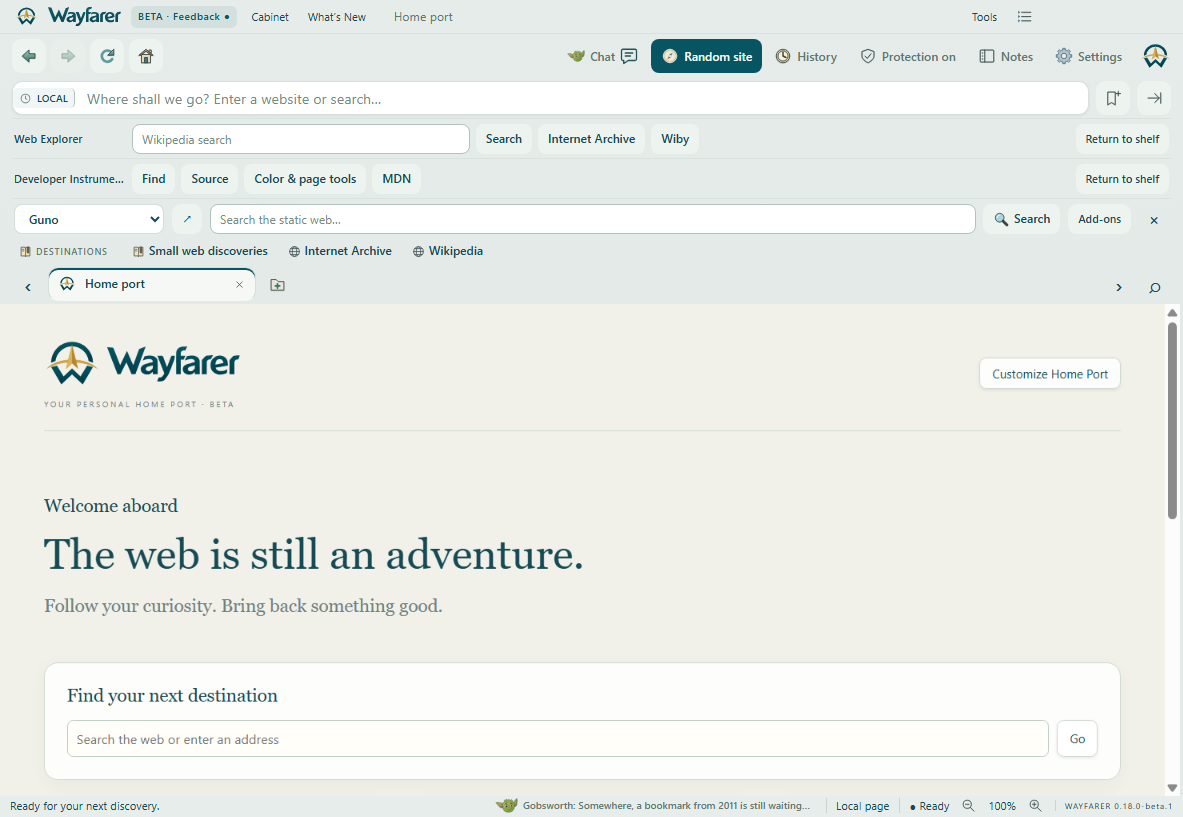
Favorites can stay visible while less-used toolbars remain on the shared shelf.

Left and right rails start collapsed, expand on hover or tap and scroll vertically.

Ctrl+Shift+A searches titles and addresses. Pin favorites from their context menu.